 Blog •
25/08/26
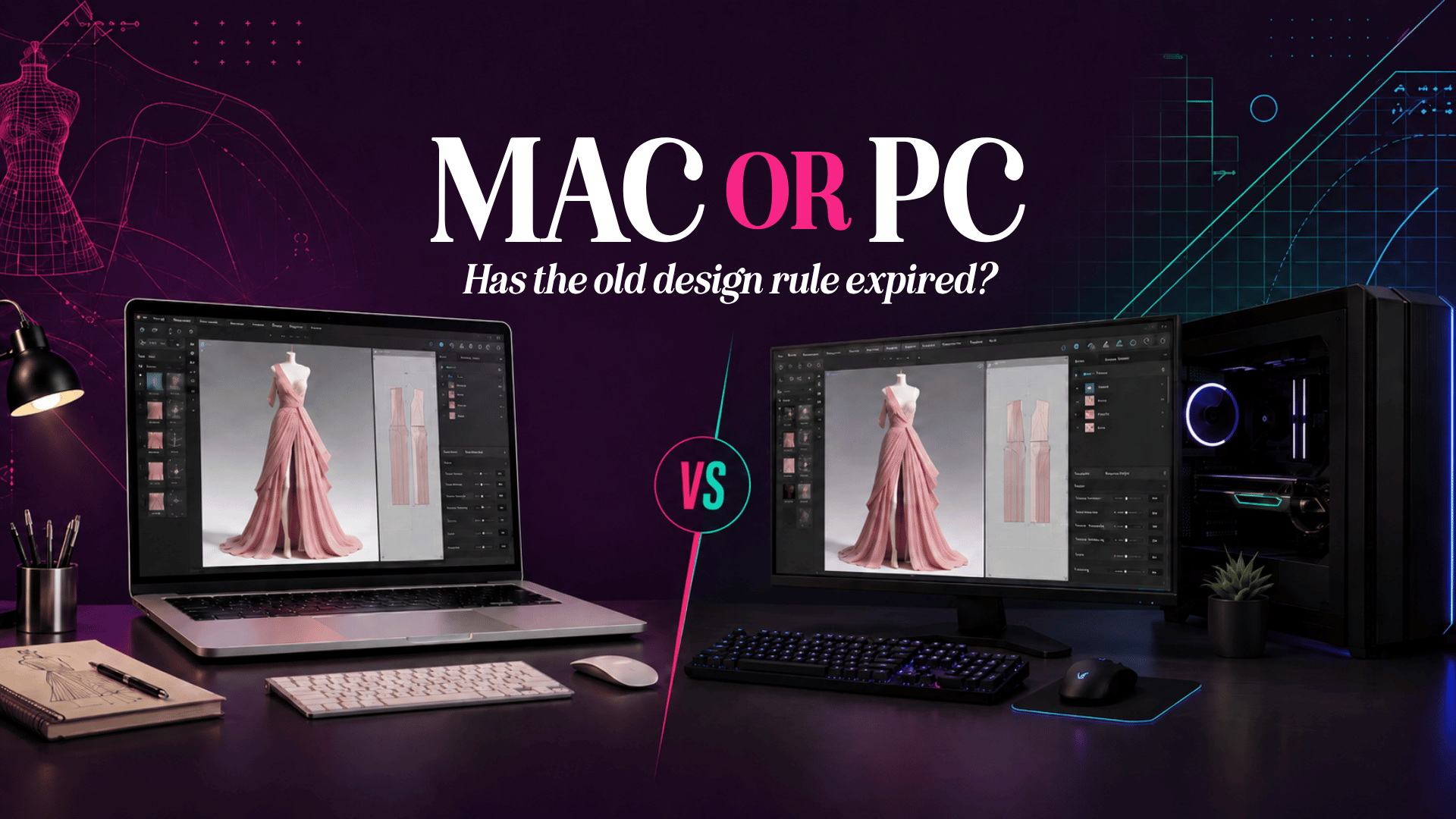
Mac is better for design. It’s one of those pieces of industry wisdom that has been repeated so often it barely gets questioned anymore. For a long time it was true, or true enough. If your work lived in Photoshop, Illustrator or InDesign, a Mac gave you colour-accurate displays, a stable creative ecosystem, and software that was often built with Apple hardware in mind first.
CLO3D isn’t that kind of software, and that’s the part of the conversation I think gets missed.
I’m not here to tell you Macs are useless for 3D fashion design, because they’re not, and plenty of designers I train use one perfectly happily. What I want to unpick is why the “Mac is best for design” rule, inherited from decades of 2D creative work, doesn’t map cleanly onto real-time 3D simulation software. And why, in my own day-to-day experience running CLO3D professionally, a PC with a dedicated graphics card still has the edge.
Photoshop and Illustrator are, at their core, working with flat, static image data. CLO3D is doing something computationally different every time you hit simulate: calculating how a virtual fabric behaves under gravity, tension and collision, frame by frame, in something close to real time. Add layers, trims, multiple garment pieces or a heavier fabric preset, and that calculation load climbs fast.
That’s a physics problem more than a design problem, and physics problems are where GPU architecture stops being a nice-to-have and starts genuinely deciding how usable the software feels day to day.
CLO’s GPU acceleration was built around Nvidia’s CUDA architecture, which for years meant meaningful simulation acceleration was a Windows-only feature. Mac users, including Apple Silicon users, were running simulation on CPU. CLO’s own support documentation was upfront about this: as recently as mid-2025, GPU-accelerated simulation on Apple Silicon was described as still under research and development, even though other parts of the software had moved faster.
Rendering got there first. Starting with CLO v2025.0, V-Ray rendering gained proper GPU acceleration on Apple Silicon Macs via Metal, Apple’s own graphics framework. That’s a real, well-documented improvement, and if your work leans heavily on producing V-Ray stills for a client or a portfolio, it’s genuinely worth having.
Simulation is the newer part of the story. According to CLO’s own notice on the update (notice 1442), Fast Simulation is now available to Apple Silicon users too, closing what had been one of the more obvious gaps between the two platforms.
This is the bit I think is worth sitting with before you rush out to buy new hardware either way.
CUDA-based simulation on Nvidia GPUs has had years of CLO-specific optimisation behind it. Metal-based simulation acceleration on Apple Silicon is, by comparison, new. Feature parity on a spec sheet doesn’t automatically mean parity in how a heavy multi-layer garment file actually behaves when you’re three fittings deep and trying to keep your simulation speed above 25 to 30 FPS.
That is consistent with what I’ve found running CLO3D on both platforms. A PC with a decent dedicated Nvidia GPU still simulates more predictably for me on complex files than an Apple Silicon Mac does, even a well-specced one. I expect that gap to narrow as CLO’s Metal implementation matures. I don’t think it’s closed yet, and I would rather say that plainly than pretend the update changes more than it currently does.
If you are a student, freelancer or studio deciding what to buy or recommend for CLO3D work, the honest answer is that it depends on what you’re actually doing in the software.
If your workload is mostly pattern work, fit checks on simpler garments, and occasional rendering, a well-specced Apple Silicon Mac will serve you fine, and you get the wider ecosystem benefits that come with it. If you’re regularly simulating complex, multi-layer, heavier fabric garments, running longer animations, or working across large ranges and grading multiple sizes in 3D, a PC with a dedicated Nvidia GPU is still the safer investment for keeping your workflow smooth.
If you are still deciding whether CLO3D is the right tool for your role or workflow, I have also compared CLO3D with Gerber AccuMark, Browzwear and Style3D.
For a PC build aimed at CLO3D, based on CLO’s own published requirements alongside what I’d actually recommend for production use:
If you are going the Apple Silicon route, go for the highest GPU core count and unified memory configuration you can reasonably afford. The newer Metal simulation path is likely to benefit more from extra headroom while it matures, rather than less.
None of this makes Mac the wrong choice for fashion design work generally. It makes it a more situational one than the old “Mac is best for design” line ever allowed for. CLO3D is a simulation engine wearing design software’s clothes, and it rewards the hardware that was built for that kind of calculation from the ground up.
I will keep testing this as CLO’s Apple Silicon simulation support matures, because I would genuinely like to see the gap close. For now, if you’re setting up a system specifically for demanding CLO3D work, I would still point you toward a PC with a dedicated graphics card.
If you are weighing this up for your own studio, course or team setup and want a second opinion on what to buy, or you have tested Fast Simulation on Apple Silicon yourself and found something different, I’d be interested to hear about your experience.
Related reading: Still comparing digital fashion platforms? I’ve also looked at how CLO3D compares with Gerber AccuMark, Browzwear and Style3D across different roles and workflows.
CLO3D vs Gerber AccuMark vs Browzwear vs Style3D



 Go Back